An Instagram Collab post is co-authored by two or more accounts. One account creates a feed post, carousel or Reel and invites another account; the invitee has to accept before the shared collaboration appears on both profiles. A strong Collab starts with a subject both audiences can use and gives viewers one relevant next step.
Meta describes Collabs as co-authored posts and Reels: once the invited account accepts, the content can appear on each collaborator’s profile. Treat that as a shared publishing option, not a promise that all followers will see the post. Feature controls and availability can change, so check the current options in your Instagram app before you promise a particular setup. Meta’s Collabs announcement explains the feature and acceptance step.
Choose a shared subject before choosing a big account
Imagine a ceramic artist and a food photographer making a short video about choosing a bowl for a dish. The artist explains shape and glaze. The photographer shows how those choices affect the picture. Both have a reason to be there.
That is a useful fit. A much larger account with no connection to the subject may bring attention without bringing the people either business wants to serve. Ask what each partner contributes beyond follower count. A distinct skill, a location, access to a process or a different point of view can make the post worth watching.
If removing one partner would leave exactly the same content, revisit the idea. The invitation creates shared authorship; the subject gives both audiences a reason to stay.
Agree a short brief
A useful brief can be shorter than the message thread it replaces. For the pottery example, it might read:
- Audience: home cooks who enjoy presenting food and buying handmade tableware.
- Promise: show how the same dish looks in three different bowls.
- Contributions: the artist explains the pieces; the photographer demonstrates the shots.
- Deliverable: one short Reel with an agreed caption and cover.
- Next action: view the featured collection through the profile link.
- Responsibilities: decide who posts, who checks the edit and when the partner will accept the invitation.
Also agree payment, usage rights and whether either party may reuse the material in ads. A Collab tag does not settle those terms. Decide who handles questions about orders, availability or bookings, especially if the post may remain visible after an offer changes.
Create the post and confirm the invitation
The exact controls can move as Instagram updates the app. In the current posting flow, prepare the feed post, carousel or Reel, then look for the collaborator invitation in the people-tagging or sharing controls. Choose the correct account and send the invitation. The other account must accept it.
Before sharing, check the handle carefully. Similar names and old accounts are easy to confuse. After the collaborator accepts, open the post from both profiles and confirm that the shared attribution appears. A normal account tag or a caption mention is not the same thing as an accepted Collab.
If you use a scheduling service, verify that it supports the collaboration invitation for the format you plan to publish. Do not assume that a tool which schedules ordinary posts can send or complete every Instagram invitation.
Give the opening something specific to show
For the pottery video, start with the three finished food shots. Then explain why the bowls changed the result. The audience sees what they will learn before hearing a long introduction.
A weaker opening would spend ten seconds announcing that two businesses are excited to collaborate. That information matters to the partners more than to the viewer.
Write the caption as a continuation of the content. Name the featured work, add details that would be awkward to say on camera and make the next action clear. “See the three bowls in the collection” is more useful than “Check us out.”
Keep paid relationships clear
Co-authorship and advertising disclosure are different things. If money, free products or another material relationship is involved, check Instagram’s branded-content requirements and the rules that apply to your audience and location.
For US-facing endorsements, the FTC’s disclosure guidance explains the need for clear and conspicuous disclosure of material connections. A Collab tag alone is not a complete disclosure plan. Do not hide the relationship in a crowded block of hashtags.
The same care applies to claims. If the creator has not used the product, do not write the caption as if they have. Agree on wording both partners can stand behind.
Make the profile link match the post
Build the destination before publishing. For the pottery example, the first link should lead to the featured collection, followed by relevant information such as care instructions or the artist’s other work. An unrelated old campaign should not occupy the prime position.
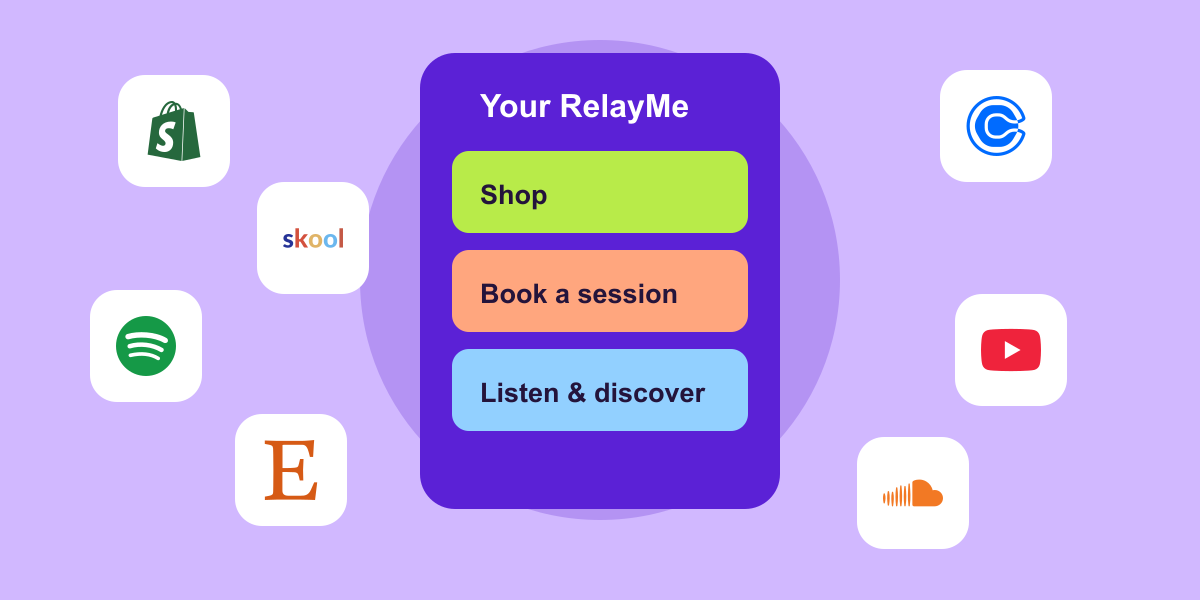
A free RelayMe page can bring shop, booking, video and social links together. You can use external shop or booking links without connecting those services. Pro adds capabilities such as a custom FAQ and supported connectors; see current integrations for availability.
RelayMe does not create the Instagram collaboration or replace the shop’s checkout. Its role is to make the next step easier to find once someone is interested. For a joint workshop, the destination might prioritise the booking link and explain location, timing and who should attend. For a music collaboration, lead with the release links. Match the destination to the reason someone clicked.
If the collaboration is not showing
First establish whether the invitation was accepted. Then check the account handle, the post itself and the app’s current collaboration controls. A normal tag may have been added by mistake.
If the invite option is missing, review Instagram’s current help guidance and the controls available to your account. Avoid deleting a live post as the first troubleshooting step; that can discard the existing conversation and engagement without fixing the cause. If Instagram offers an edit route for the post, check whether the collaborator controls are available there rather than assuming they are.
Judge the collaboration beyond the like count
Agree what success means before posting: relevant profile visits, collection visits, enquiries, bookings or another action you can actually observe. Review reach and engagement in Instagram, then assess the downstream action in the relevant destination tool. A link click is not a sale. If you cannot connect the two reliably, report them separately.
Use what you learn to decide whether the subject and partner were a good fit, not just whether the post looked busy. Prepare your page before the next collaboration. Put the featured work first, test every link on a phone and give the audience one clear reason to continue.
Platform guidance checked 30 October 2026. Instagram features and availability can change; use the controls available in your account.